
Why I signed up for something free (and what I actually expected)
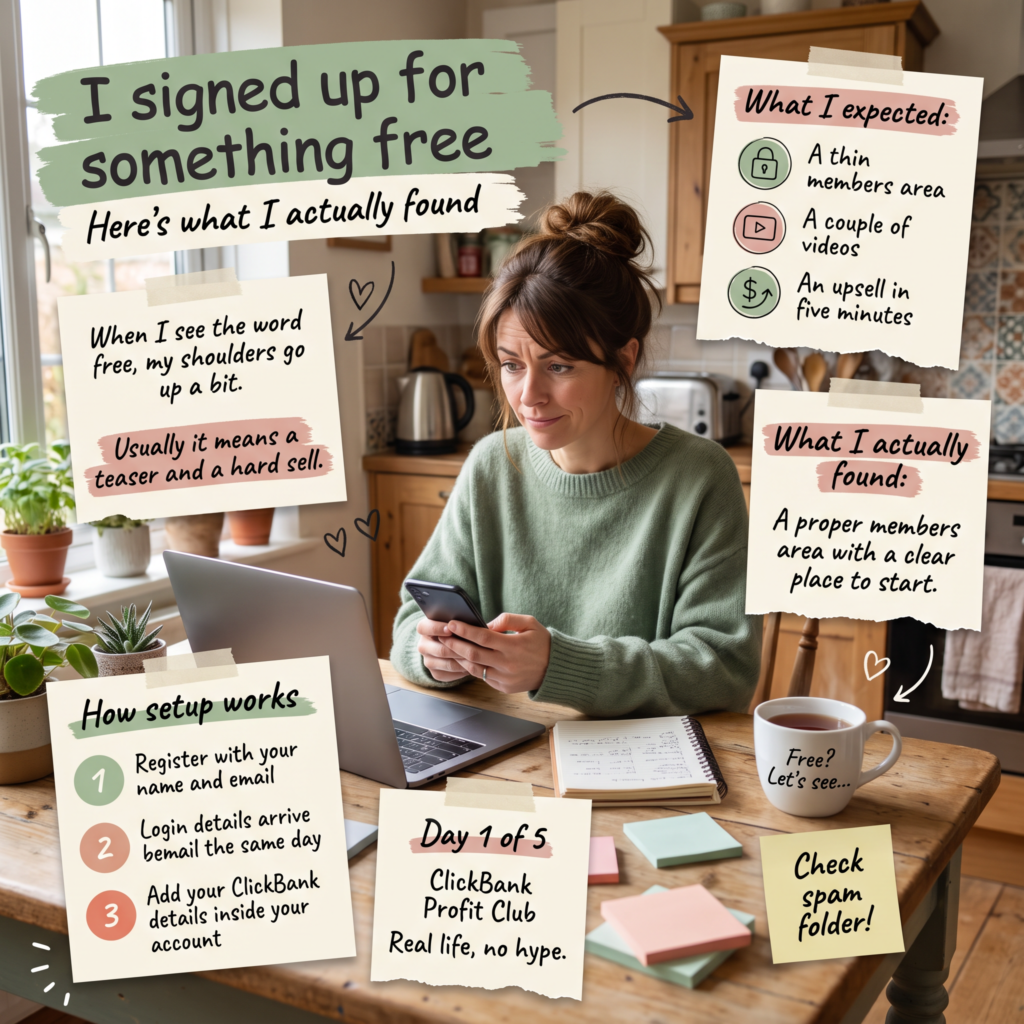
I’ll start with a confession. When I see the word free in affiliate marketing, my shoulders go up a bit.
I’ve been doing this long enough to know how it usually goes.
You get a free video, a free PDF or a free “masterclass”.
It’s twenty minutes of vague tips, and then there’s the sales page waiting at the end.
Sometimes the whole free thing is really just a long advert for the paid thing.
So when I signed up for the CBPC, I went in with my arms folded.
Why I bothered at all
I’ve spent a lot of time in one corner of affiliate marketing. Lately I’ve been branching out and looking at ClickBank more seriously.
It’s one of the biggest affiliate marketplaces out there, with thousands of products across loads of different niches.
That’s the good news and the bad news. There’s a lot of choice.
When you’re a beginner, a lot of choice usually means sitting there for three hours, reading product pages, and not doing anything at all.
I wanted something that would give me a bit of structure, a starting point and a sensible order to do things in. I didn’t want to spend money finding out whether it was any good, so free felt like a fair way to test it.
What I was expecting…..
Honestly? A thin members area, a couple of videos, and an upsell within the first five minutes.
What I actually found
There’s a clear place to start, and it doesn’t throw everything at you at once and leave you to work out the order yourself.
I have gone through all of it. This is my third week, and I’m only telling you what I’ve seen so far.
But first impressions were better than I expected, and I don’t say that often.
Followed the simple to follow videos, put it into action, and the shock when I got my first lead…
that’s when I knew this could work…
How setup works
This bit was simple, which I appreciated:
- I registered with my name and email.
- My login details came through by email the same day. (I think it was just a few minutes)
- Once I logged in, I added my own ClickBank details inside the account. That’s the step that ties it to you, so don’t skip it.
That was it. It took about ten minutes, (including making a brew), I simply followed the orientation video and followed the 3 steps which are clearly laid out under the video.
One small tip: check your spam or promotions folder if the login email doesn’t turn up. Mine landed in promotions, so make sure you check all your email folders!
Why I’m writing about it every day this week
I don’t work a normal 9 to 5. My week changes all the time. Some days I get a decent hour, and some days I get twenty minutes while the tea’s on. I’ve got a family, a house to run, and a brain that forgets things if I don’t write them down.
You really should see how many notebooks I have… if I don’t make a note then its forgotten about and especially if its something new that is being explained on a video, that I am trying to do, then that saves me from rewatching it several times…
So I thought it would be more useful to show you what it’s like to use this in real life, not in some perfect “I spent eight hours on it today” way. That means the short sessions, the days I get nothing done, and the bits I like and the bits I don’t.
What I’m hoping for (and what I’m not)
I’m not expecting miracles. I’m hoping for a clear path that stops me jumping between five different ideas at once. If it does that, it’s done its job.
I’ll report back tomorrow.
If you’d like to have a look around yourself, it’s free to join here