
How to Promote Affiliate Links on Pinterest for Free (A Beginner’s Step-by-Step Guide)
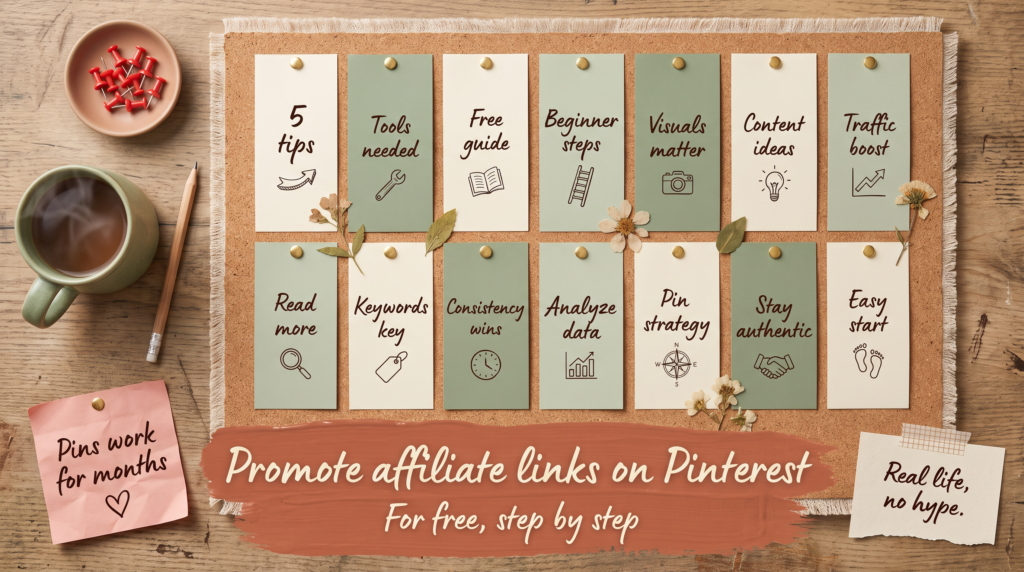
If you want free traffic and you’d rather not dance on camera, Pinterest is your friend. It’s less of a social network and more of a search engine full of pictures. People go there looking for ideas and answers, which is exactly what you want.
Why Pinterest works for beginners
- You don’t need followers. People find pins by searching.
- It’s faceless. Nobody needs to see you.
- Pins last. A good one can bring visitors for months.
- It’s free.
Step 1: Set up a business account
It’s free and gives you access to stats. Use a clear profile name, like “Sammi | Beginner Affiliate Tips”, so people know what you’re about straight away.
Step 2: Create a few focused boards
Think about what your ideal reader is searching for. Boards like “Make Money Online for Beginners”, “Affiliate Marketing Tips” or “Work From Home Ideas” give your pins a home and help Pinterest understand your topic.
Step 3: Make pins that get clicked
- Tall: Pinterest favours tall images (roughly 2:3).
- Clear headline: big, readable text that promises one useful thing.
- Simple design: calm colours, not too busy.
- Consistent style: so people start to recognise your pins.
Free design tools make this easy. You can reuse your blog images in a taller format too.
Step 4: Write descriptions with search words
Use the words people actually type. If your pin is about getting started with no money, say “how to start affiliate marketing with no money” in the description. Write naturally, not a list of keywords.
Step 5: Link somewhere useful
This is the big one. Don’t send people straight to a sales page. Send them to:
- A helpful blog post (like this one), or
- A sign-up page with a free gift
Then they get to know you before deciding anything.
Step 6: Disclose and play fair
Pinterest allows affiliate links, but doesn’t like spam. Don’t use misleading images or promise things you can’t deliver. Mention in the description if you may earn from the link.
Step 7: Pin regularly and be patient
A few fresh pins a week is plenty to start. Pins often take a while to pick up, so don’t judge it after a fortnight.
Where the CBPC and OLSP fit
If you haven’t got a blog yet, your pins need somewhere to land. The CBPC gives you a ready-made sign-up page you can link to. OLSP gives you a single link that leads into a system with training and follow-up. Either one gives your pins a proper destination.
I am fairly new to using Pinterest, but I have found that if you follow the steps I have listed in this post, you can start to get traction as people search Pinterest for almost everything,
Pinterest questions
Are affiliate links allowed on Pinterest?
Pinterest does allow affiliate links, but it has rules against spam and misleading pins. Always check Pinterest’s current guidelines, and disclose that you may earn from the link.
Should I link pins directly to an affiliate offer?
It usually works better to link to your own blog post or sign-up page first. That gives people more context and lets you collect their email.
How long does Pinterest take to work?
Pins can take weeks or months to pick up. The upside is that a good pin can keep sending visitors long after you post it.
Do I need a blog to use Pinterest?
It helps, but you can also link pins to a sign-up page or funnel page like the one the CBPC provides.
Make your first five pins this week
Pick five questions, make five tall pins, and link them somewhere helpful. If you need a page for your pins to land on, here’s what I use.
Get a landing page for your pins